
How to read your digital book on a Kindle, tablet or phone
Every order includes the digital book: a high-quality PDF of the whole book, sent by email and kept on your order page.
On an iPhone or iPad
Open the email and tap the button to open your order page, then tap the book. To keep it, tap Share and choose "Save to Files" or "Books", and it will be in the Books app whenever you want it.
On an Android phone or tablet
Tap the book on your order page to open it. To keep it, download it and open it with Google Play Books or any PDF reader.
On a Kindle
Amazon’s Send to Kindle lets you send the PDF to your Kindle. Your order page has the steps and a button to start. The book looks best on a colour Kindle or a Kindle Fire tablet; on a black and white Kindle the pictures appear in grey.
On a computer or TV
Open it in any web browser. Many families like to read it together on a big screen, or cast it to the TV.
Printing at home
You can print pages for personal use, which is lovely for a card or the fridge. For a proper keepsake, the hardcover is printed on thick silk paper and bound properly.
Books in this post
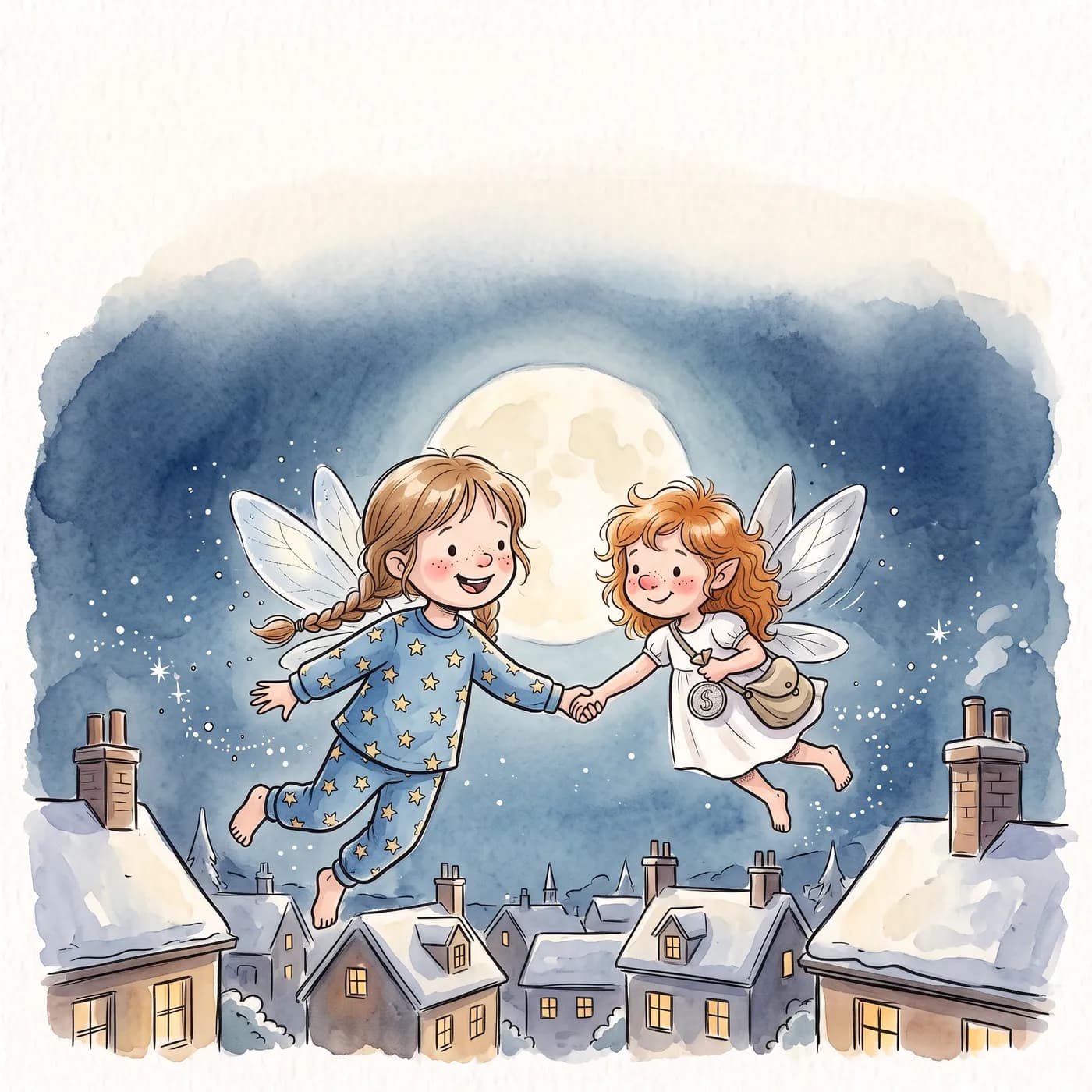
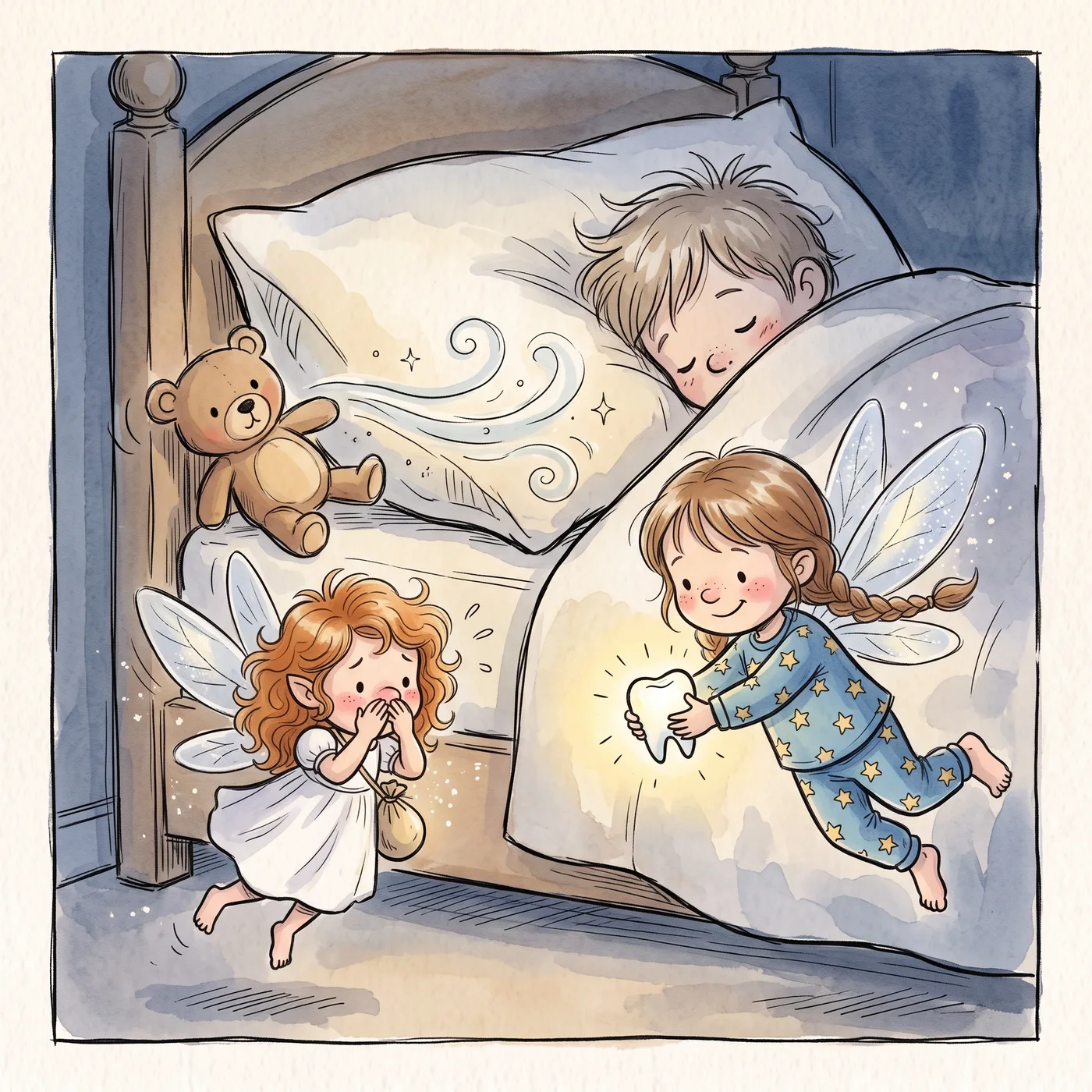
The Tooth Fairy's Terrible Cold
When the Tooth Fairy catches a cold, your child becomes her helper for one very busy night. Perfect for a first wobbly tooth.
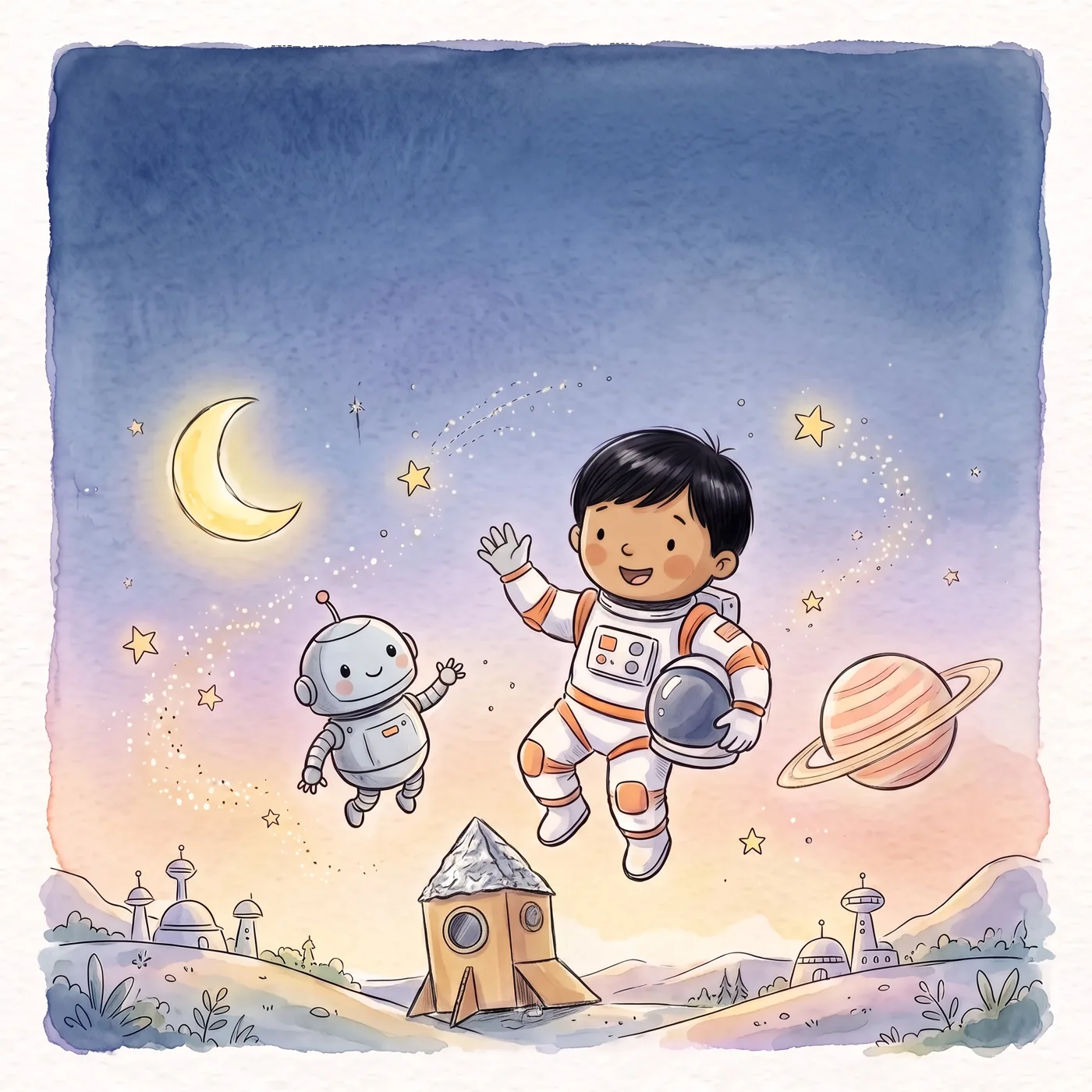
The Moon Robot
A cardboard rocket, a lost little robot and a trip to the moon, home in time for tea.
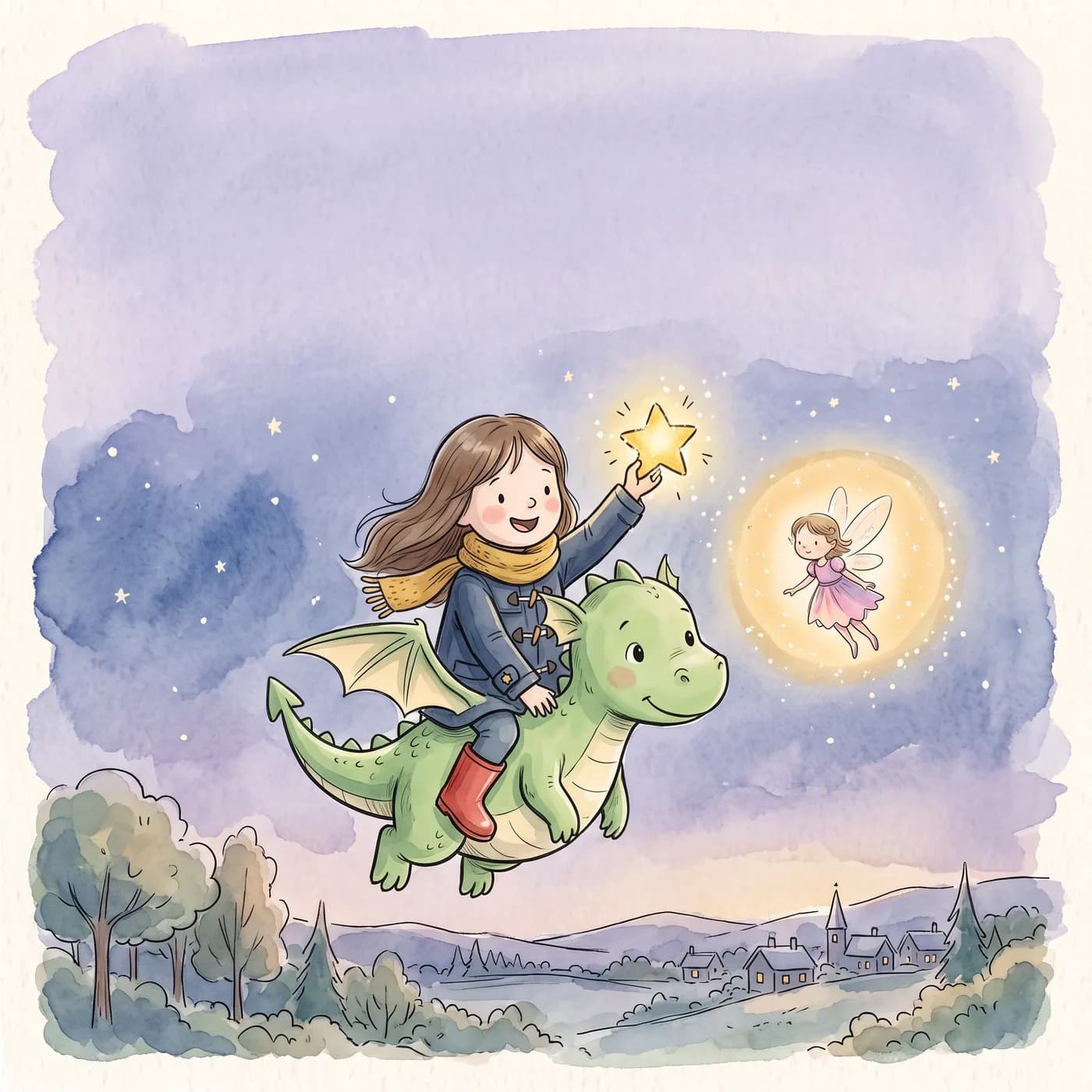
The Starlight Map
A star has fallen out of the sky. With a tiny fairy and a shy little dragon called Pip, your child sets off to bring it home.